Ebook Type Selector
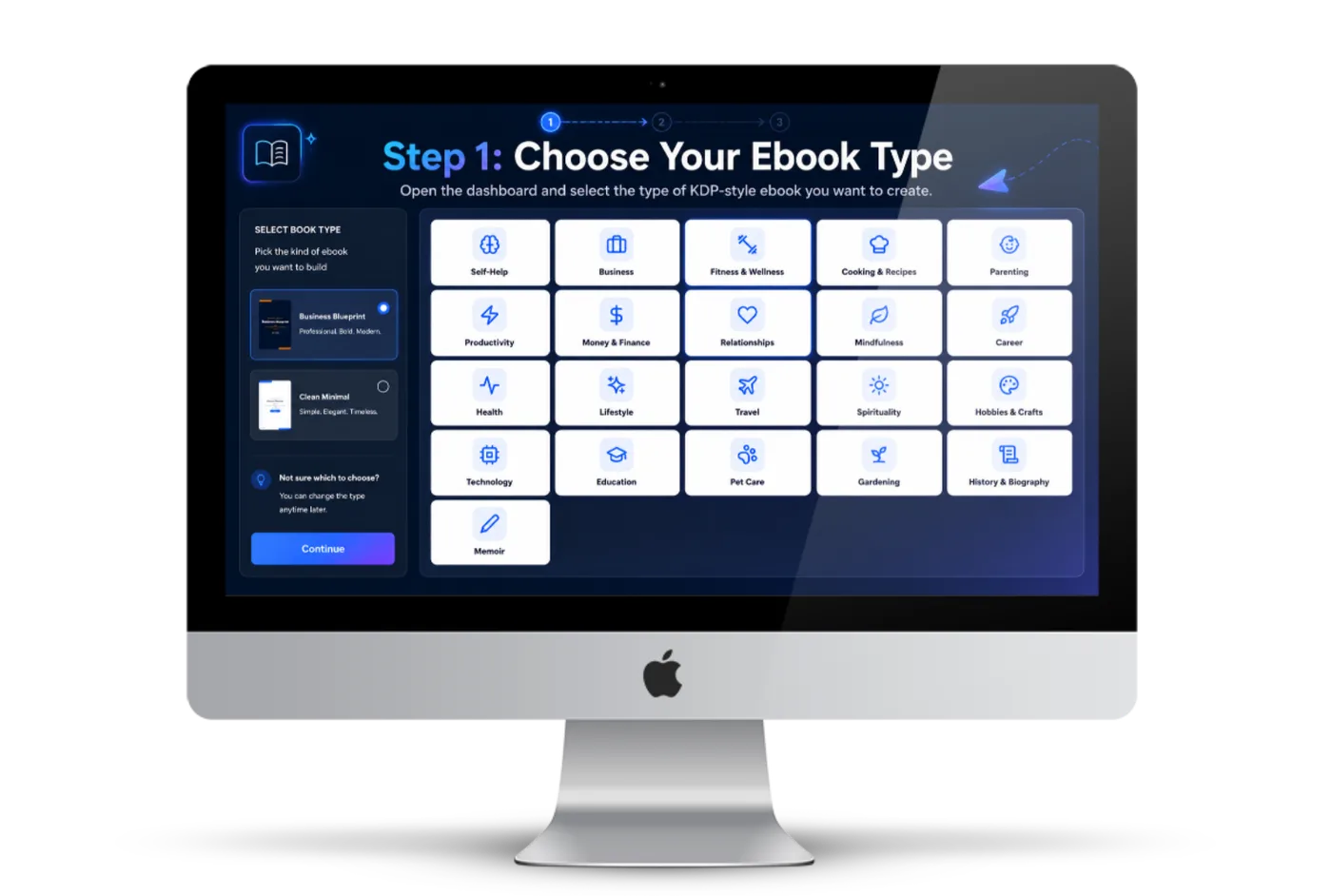
Choose the type of KDP-style ebook before the AI team starts building the project.
Choose your ebook type, enter a keyword, pick a book style, then let the guided AI workflow research the niche, generate keyword angles, create the title and outline, write the chapters, design the cover, format the interior, and prepare publishing metadata from one simple dashboard.
See how one raw keyword can become the research, title, outline, chapters, cover, interior, metadata, and files you need for a KDP-style ebook project.
This is the complete front-end workflow: start with one keyword, choose the ebook type and style, then let the app help build the KDP-ready asset piece by piece from one dashboard.
Choose the type of KDP-style ebook before the AI team starts building the project.
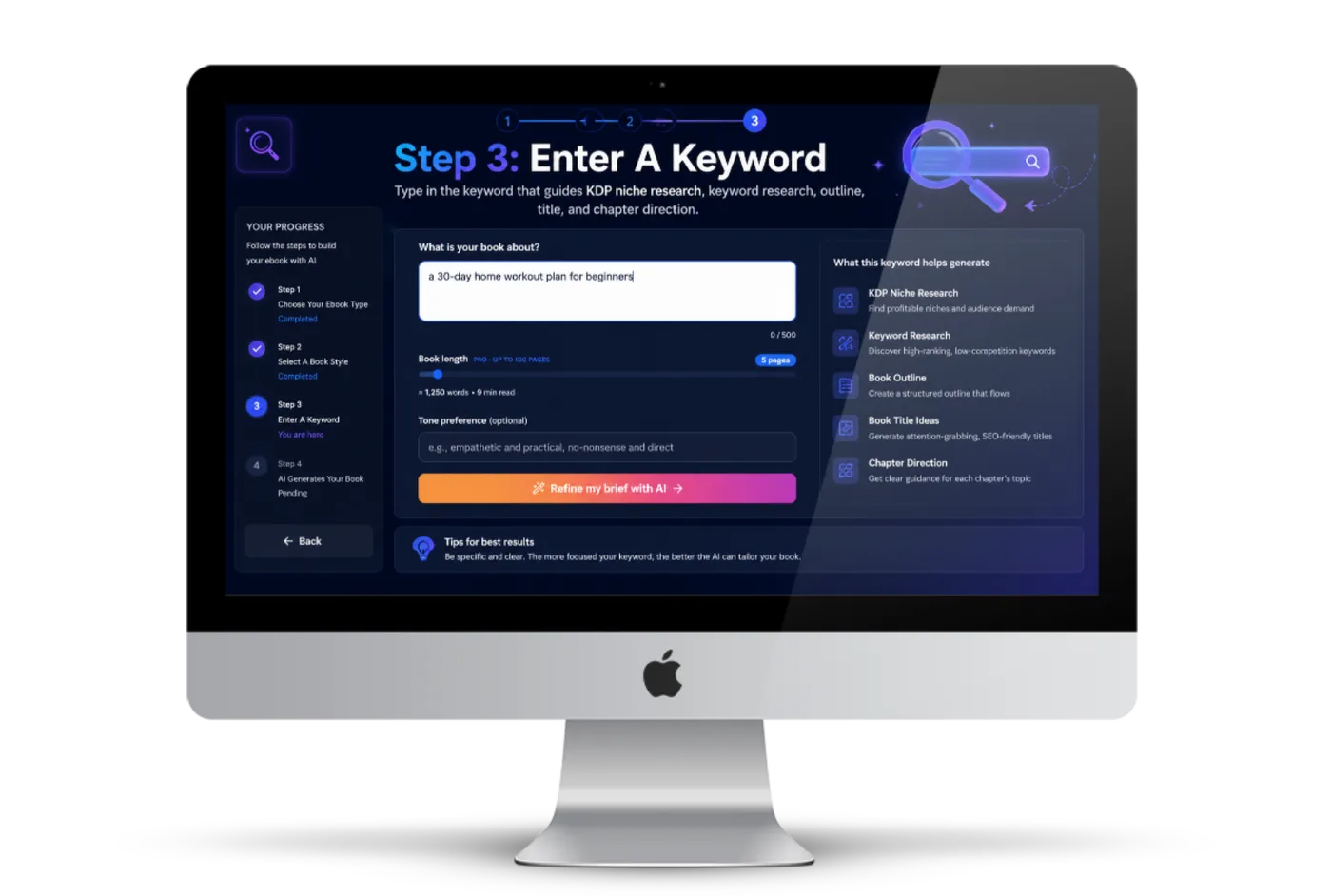
Use a keyword as the starting point for KDP niche research, content direction, and ebook structure.
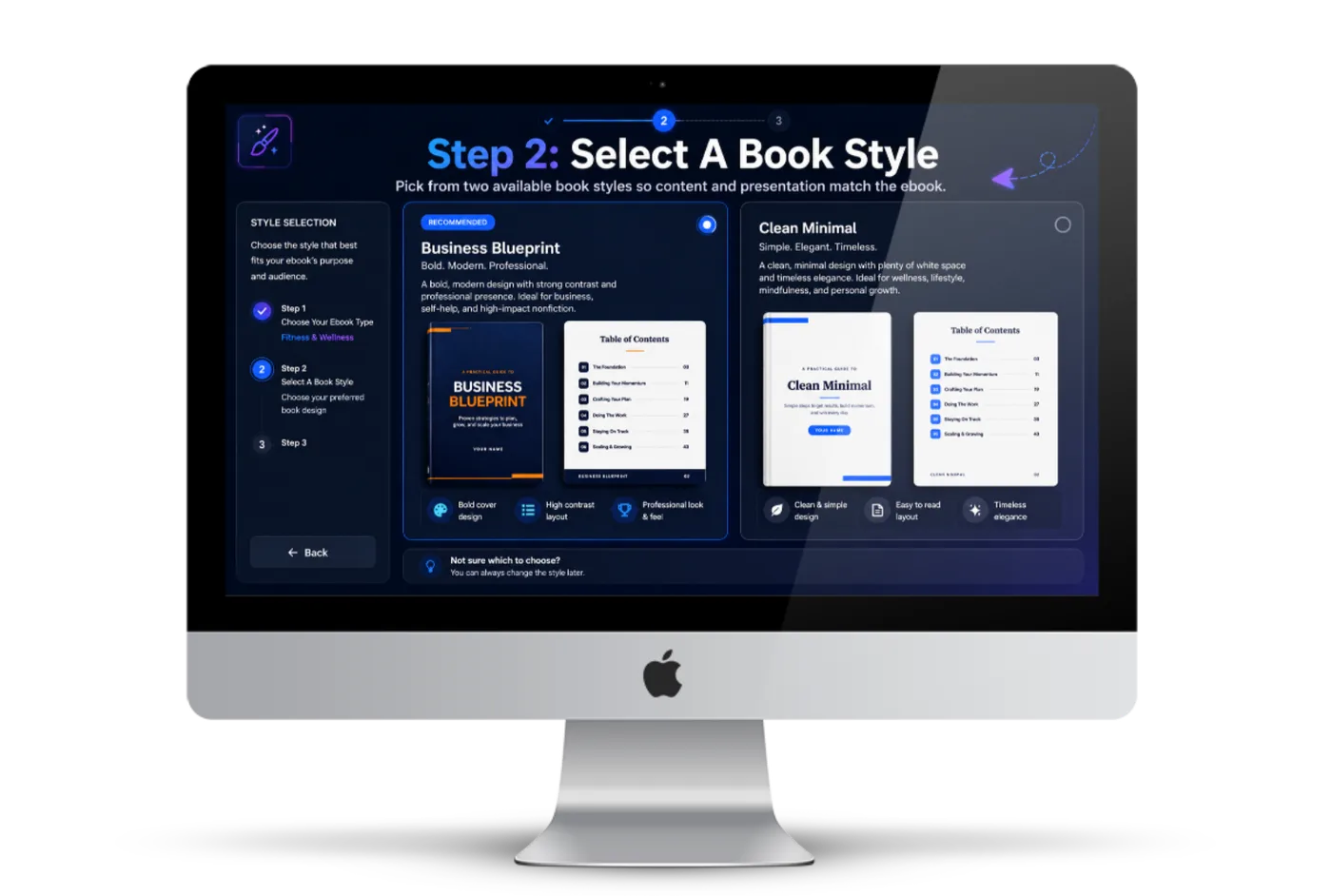
Select from two book styles so the finished ebook matches the desired content and reader experience.
Research the niche so ebooks are not created from random guesses.
Generate relevant keywords for topic, content, metadata, and KDP positioning.
Create the outline, chapter structure, and flow before manuscript writing.
Generate title ideas that fit keyword, niche, style, and reader promise.
AI writes the manuscript for each chapter.
Create an ebook cover without hiring a designer or starting blank.
Format the interior and customize font style and layout details.
Generate title, description, keywords, and categories.
Review content, add stock images, and start with 50,000 credits.
Every day, people search Amazon for short, useful ebooks that solve problems, teach skills, explain topics, and answer niche questions.
The problem is not getting ideas. The problem is finishing the book. Before you can publish, you still need niche research, keyword research, an outline, a manuscript, a cover, interior formatting, and metadata.
That is the exact gap this workflow is designed to close: one keyword goes in, and the system helps you build the complete KDP-ready ebook asset around it.
Amazon KDP gives solo creators a way to turn focused knowledge, niche research, and useful ebook assets into a catalog that can keep working long after the first upload.
A single ebook can answer one search intent, serve one audience, and solve one specific problem. But a catalog of useful ebooks can cover multiple keywords, multiple reader needs, and multiple angles inside the same niche.
That is why digital publishing remains attractive for solo creators in 2026 and beyond. You do not need a huge team, warehouse, inventory, or complex client delivery machine. You need a repeatable way to research topics, create quality ebook assets, prepare metadata, and keep publishing.
They do not run out of ideas. They run out of patience. Every new ebook forces them through the same slow production grind before they can publish or reuse the asset.

Most beginners do not know which angle to choose, what readers want, or how to shape a keyword into a useful KDP ebook topic.

Without relevant keyword angles, the ebook can feel unfocused and the metadata becomes weak before the project even starts.
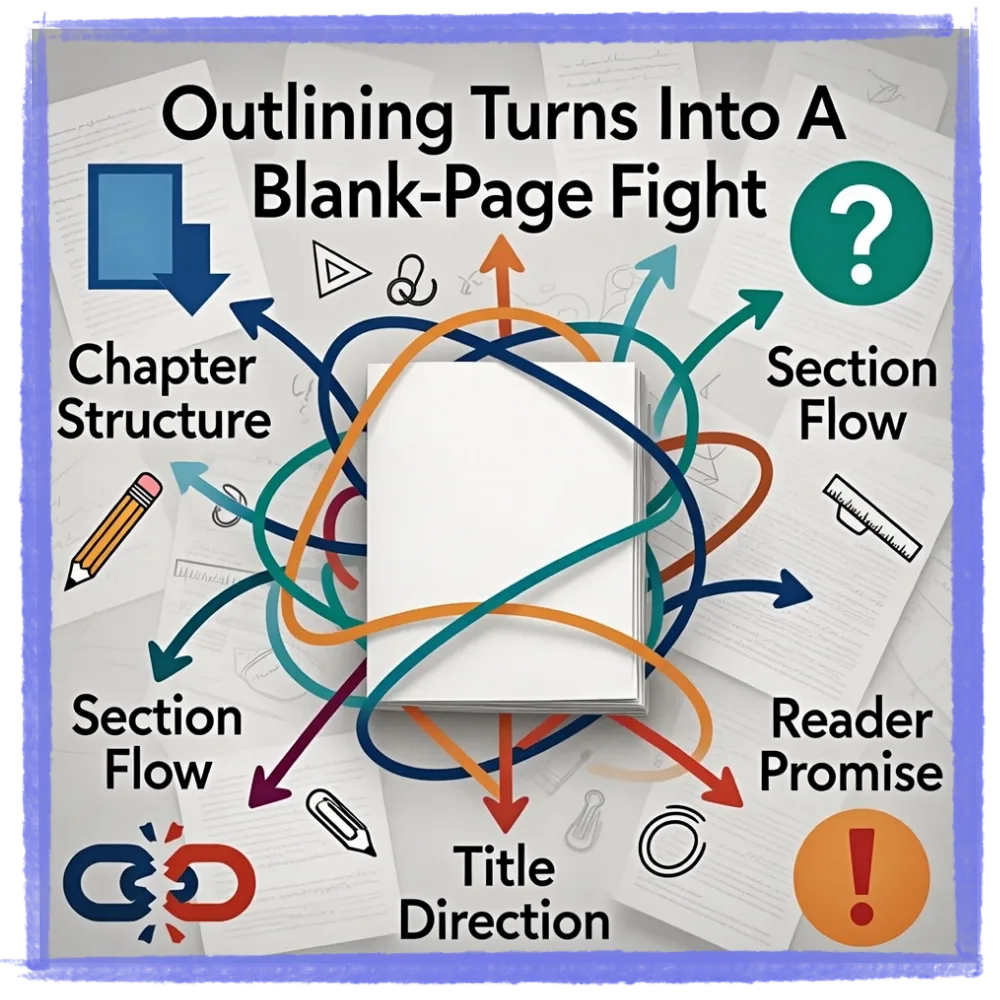
Chapter structure, section flow, title direction, and reader promise are hard to organize when you are staring at an empty document.

Even a simple ebook can take days or weeks when you have to write, revise, and organize every chapter manually.

A messy cover or unformatted interior makes the ebook feel unfinished, even when the content itself is useful.
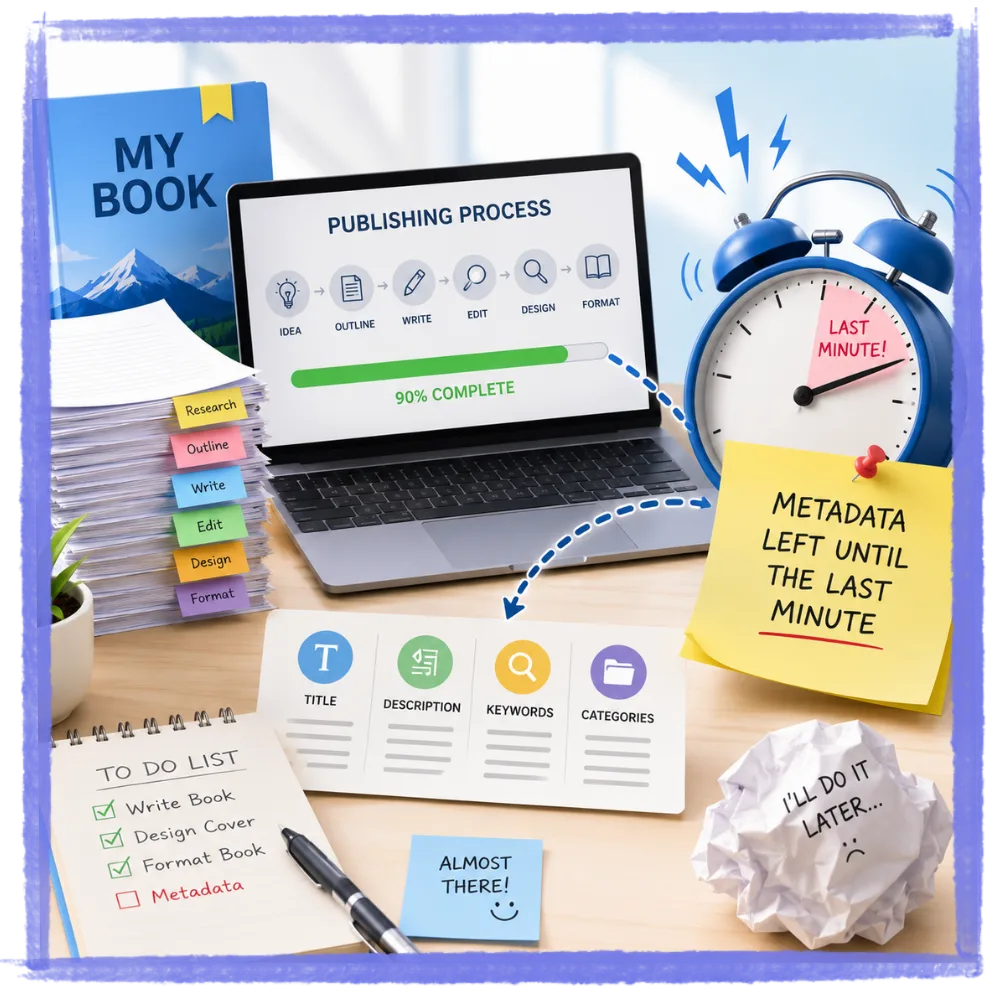
Title, description, keywords, and categories are essential publishing details, but most creators leave them until they are already tired.
One minute you are a niche researcher. Then you are a keyword researcher. Then a writer, editor, cover designer, formatter, image curator, and KDP metadata specialist.
That is where most KDP plans die: not because the idea was bad, but because the creator never gets a clean finished asset they can review, download, publish, sell, or reuse.

Instead of forcing you to stitch together research tools, writing prompts, cover tools, stock images, formatters, and metadata checklists, the KDP ebook production steps are pulled into one guided path. One keyword can become research, structure, manuscript, cover, interior, metadata, and downloadable files.
Get AI BookEngine TodayAI BookEngine is an all-in-one ebook creation software that helps you turn a keyword into a researched, written, designed, formatted ebook project with publishing metadata.
It is built for the part most people avoid: finishing the asset. The app helps research the niche, find keyword angles, plan the book, draft chapters, create the cover, format the interior, edit content, add images, generate metadata, and download the files.
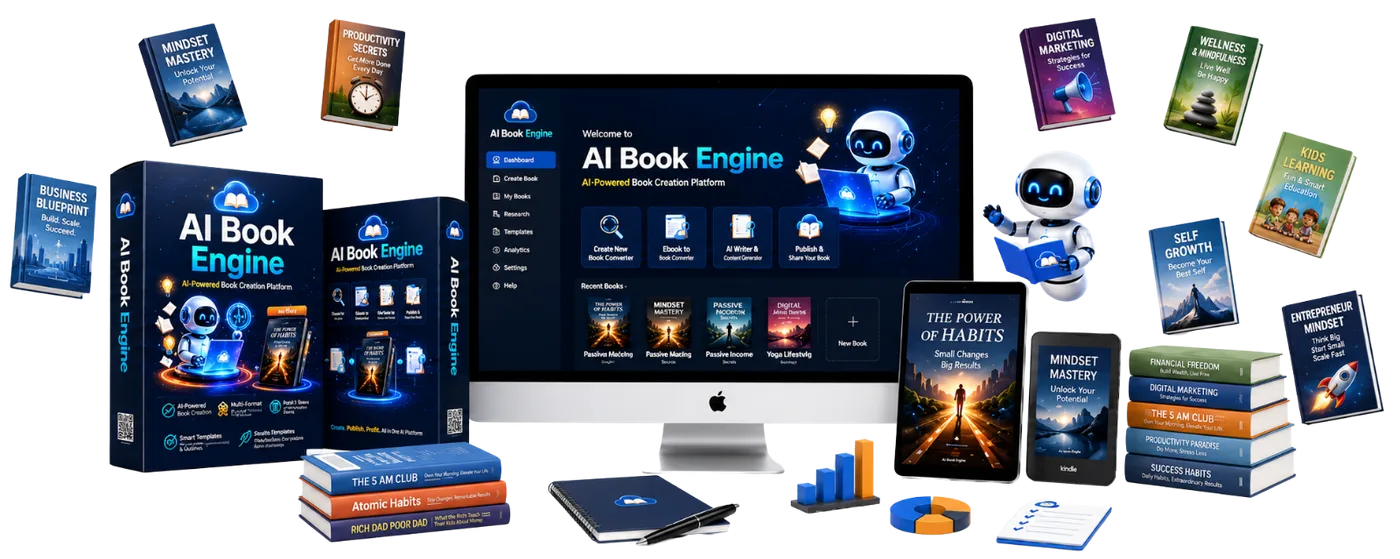
Choose the ebook direction, select the style, enter your keyword, then let AI BookEngine build the research, structure, content, cover, formatting, and metadata into one organized ebook project.
Start with the kind of ebook you want to create so the workflow knows the goal before it builds the project.
Pick the style that fits your audience and content so the finished ebook feels focused, useful, and ready to package.
Give AI BookEngine one keyword and let it guide the niche research, keyword angles, title, outline, chapters, cover direction, and metadata.
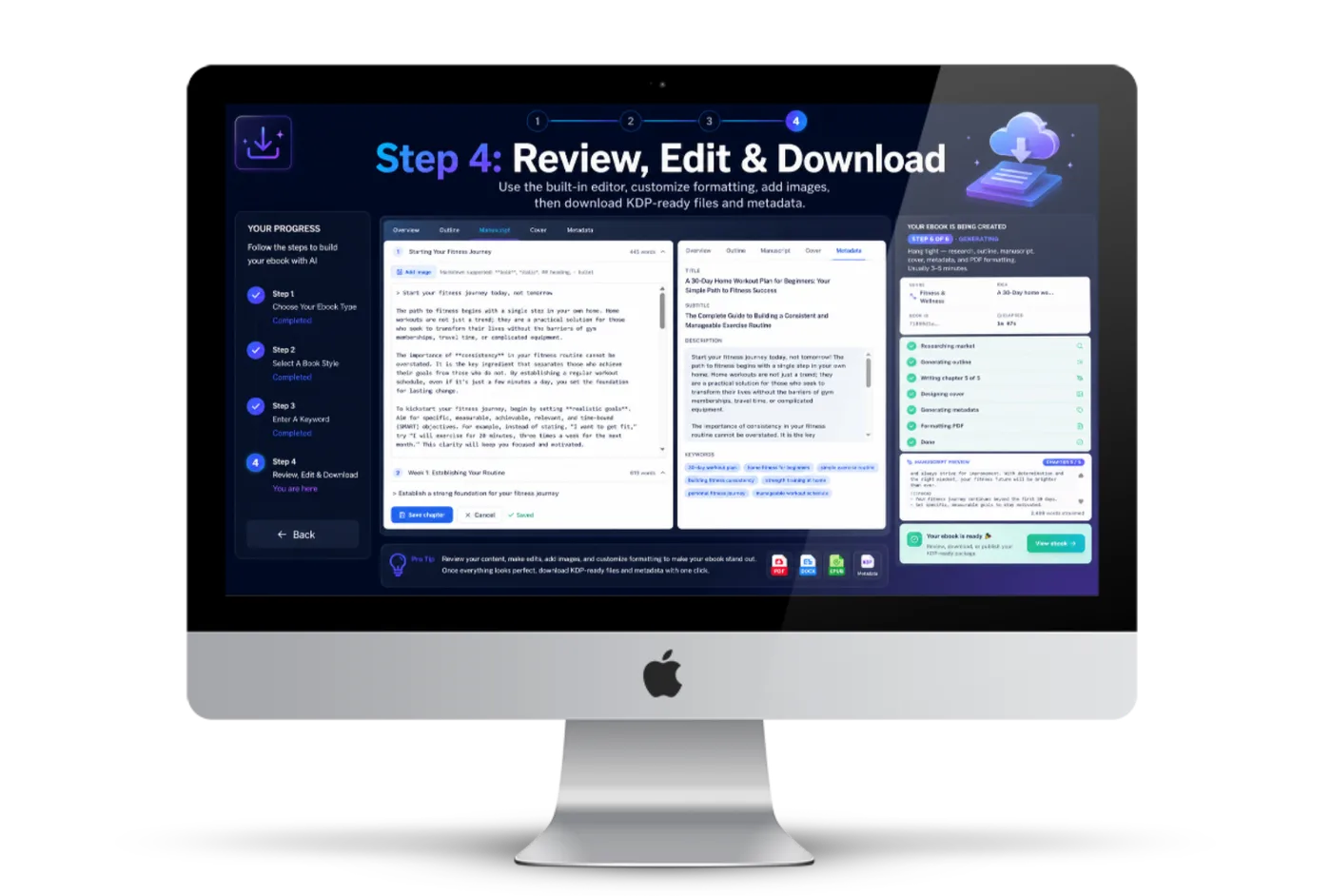
Use the built-in editor, refine the content and formatting, add images, then download your KDP-ready files with supporting metadata.
Give the system one keyword and let it help build the research, title, outline, manuscript, cover, interior, metadata, and downloadable files inside one focused workflow.
Unlock AI BookEngine NowEach feature handles one painful part of the KDP ebook production process, so the project keeps moving instead of stalling at the next manual task.
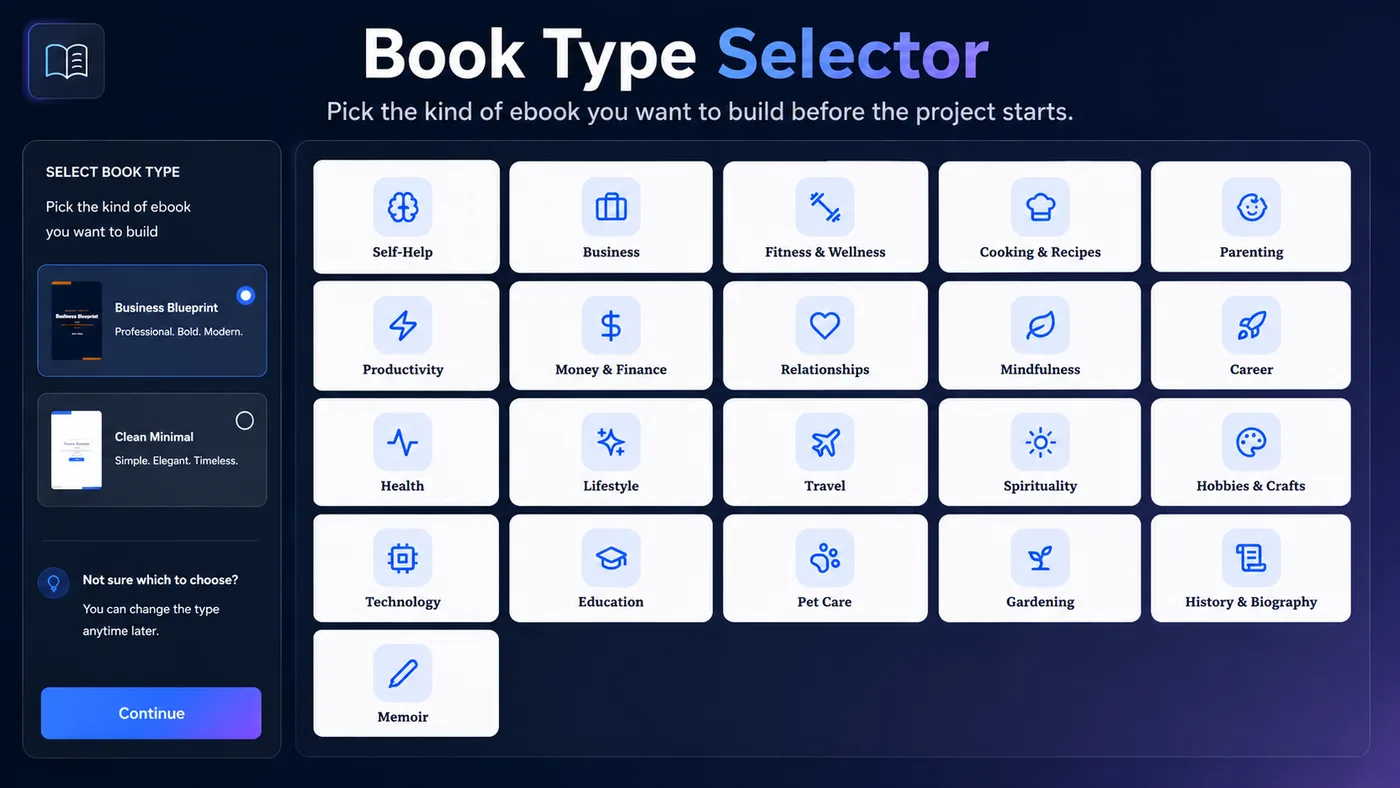
Pick the kind of ebook you want to build before the project starts.
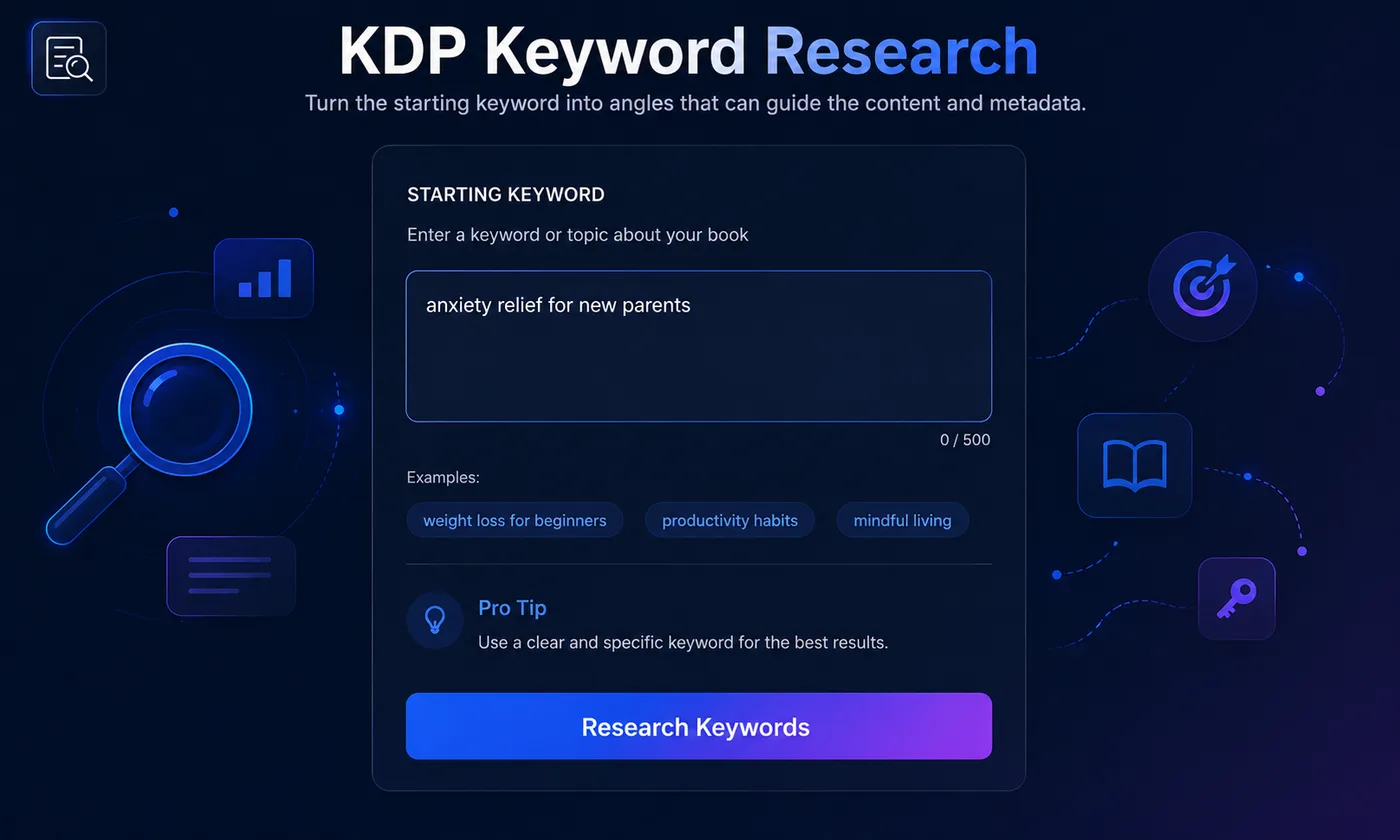
Turn the starting keyword into angles that can guide the content and metadata.
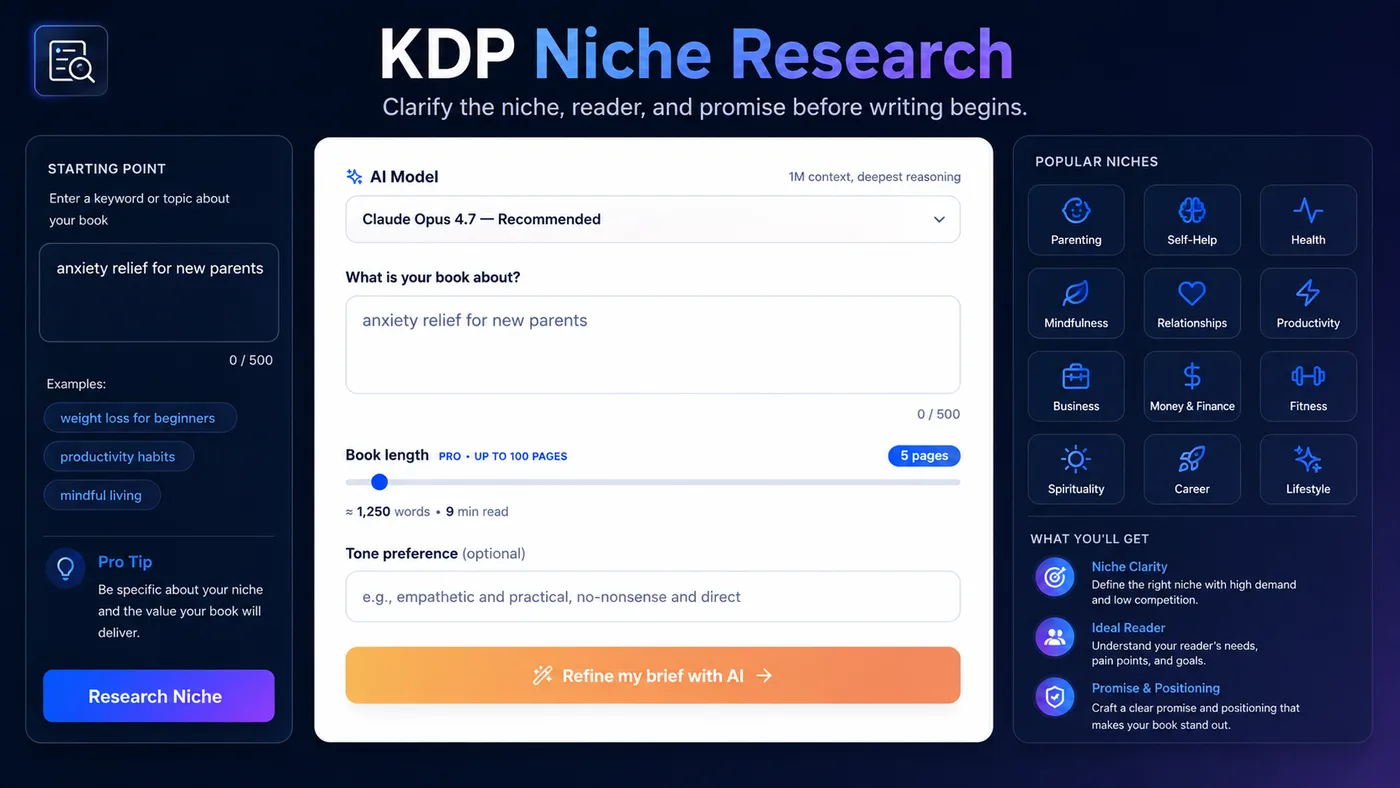
Clarify the niche, reader, and promise before writing begins.
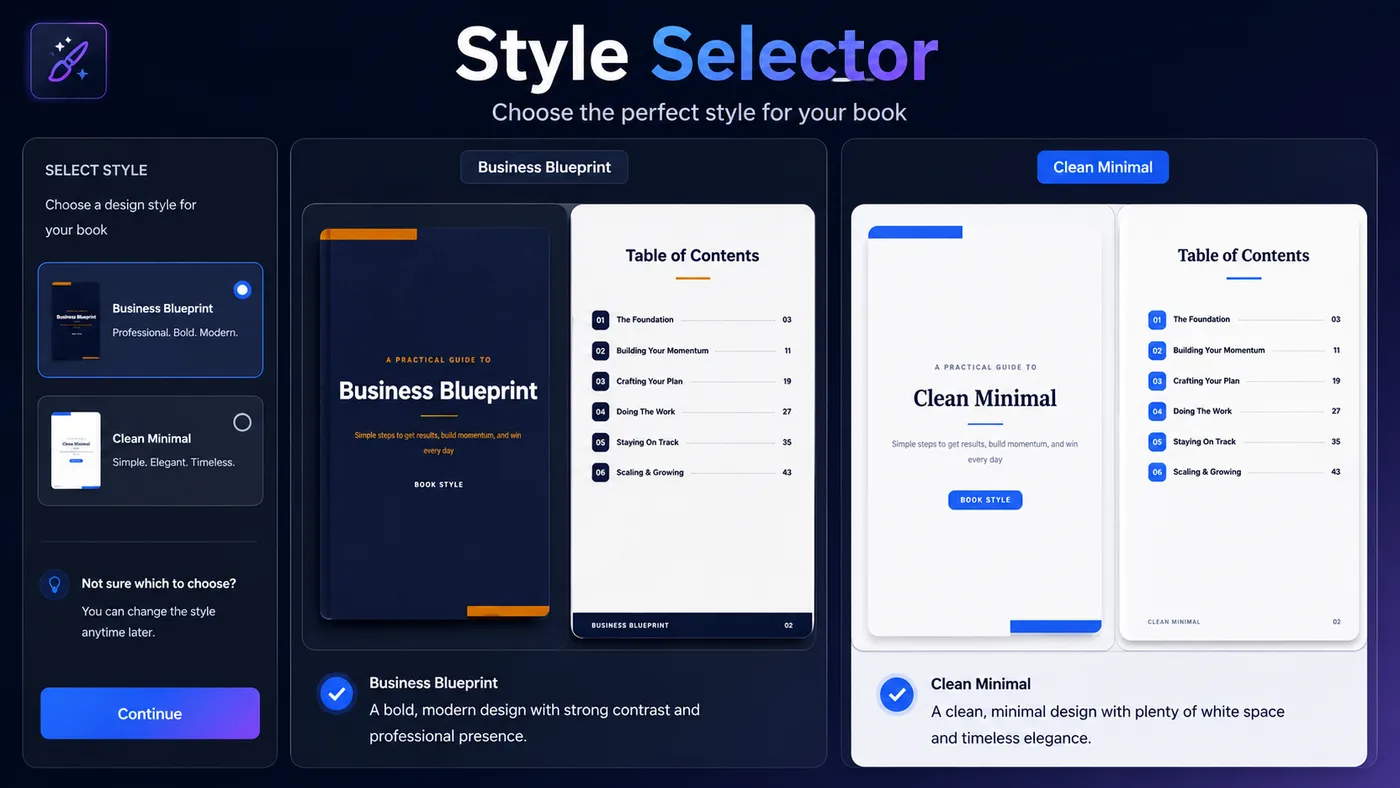
Choose the book style so the final output fits the project.
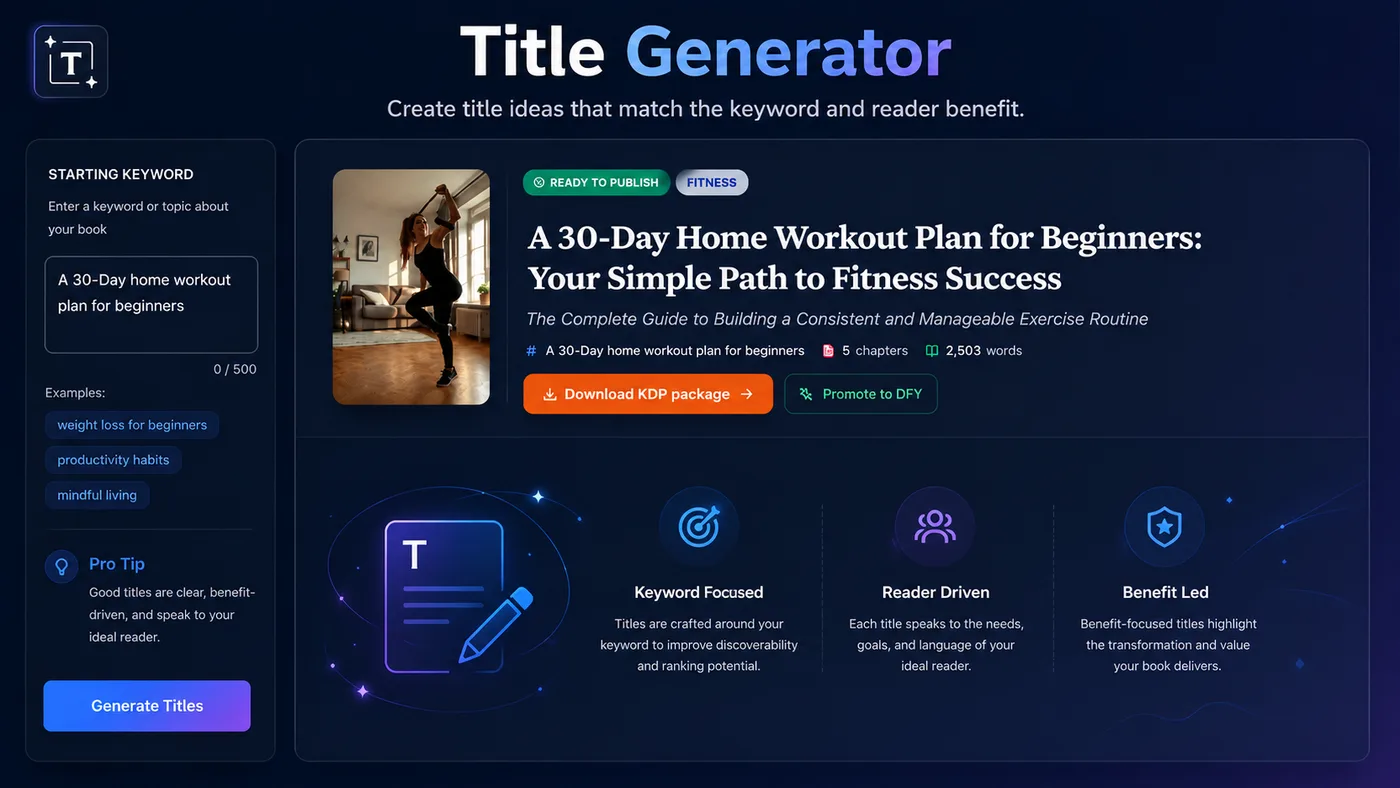
Create title ideas that match the keyword and reader benefit.
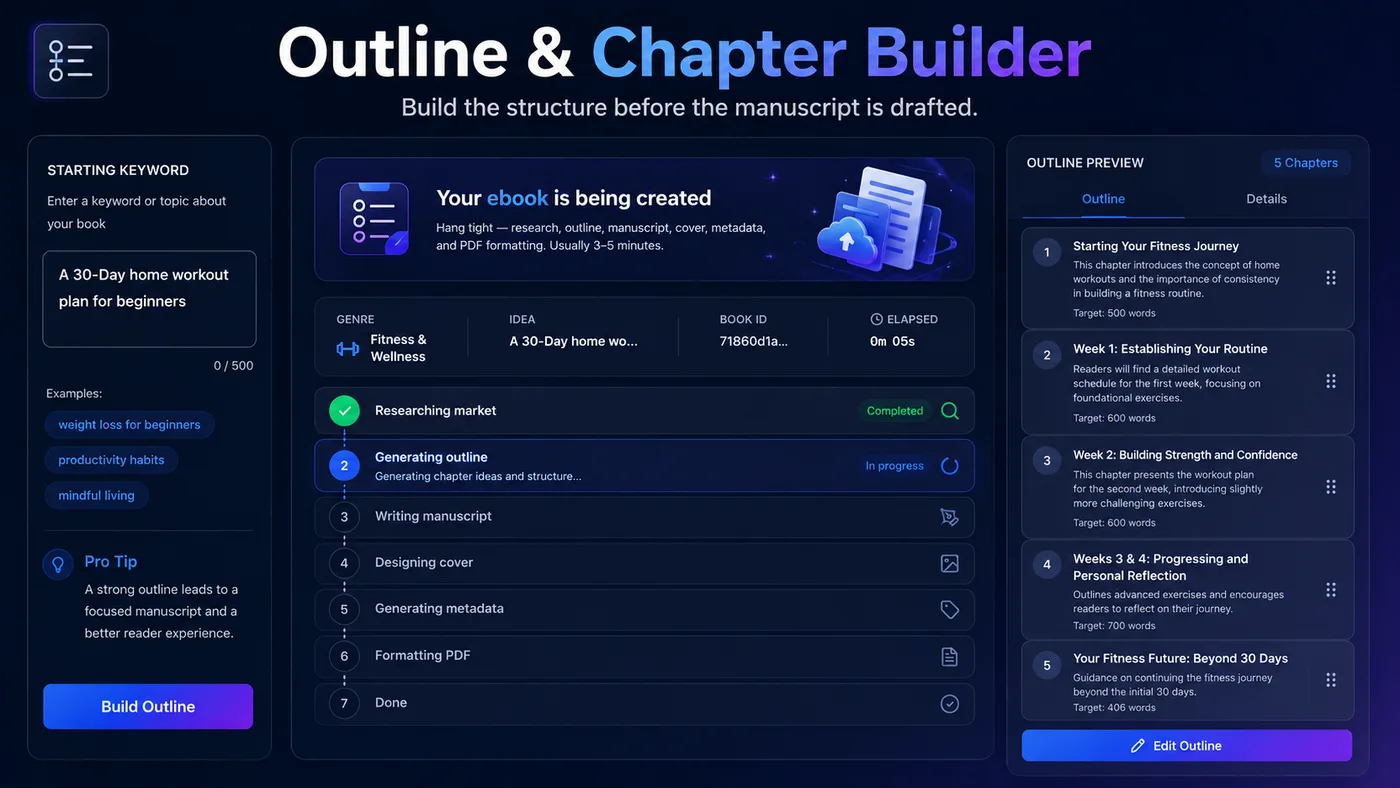
Build the structure before the manuscript is drafted.
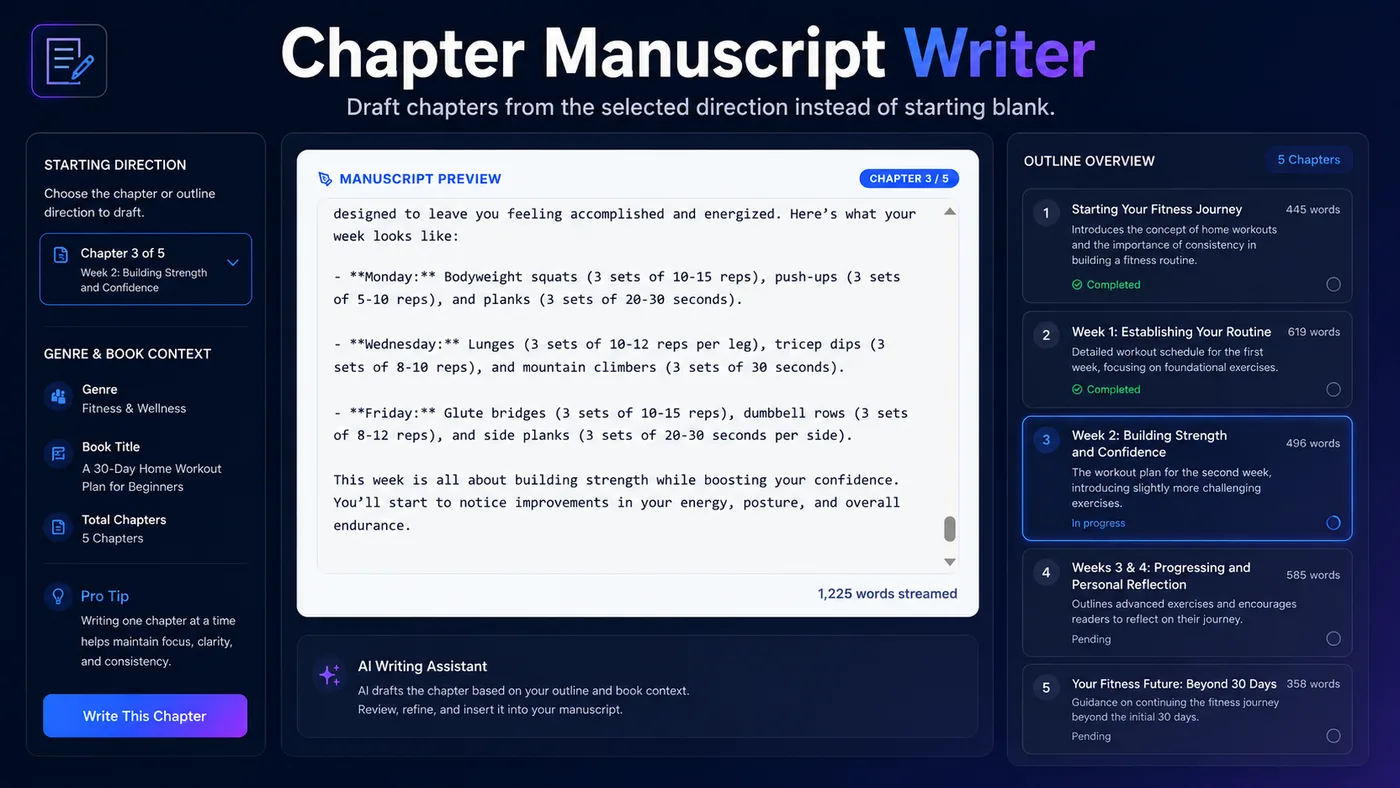
Draft chapters from the selected direction instead of starting blank.
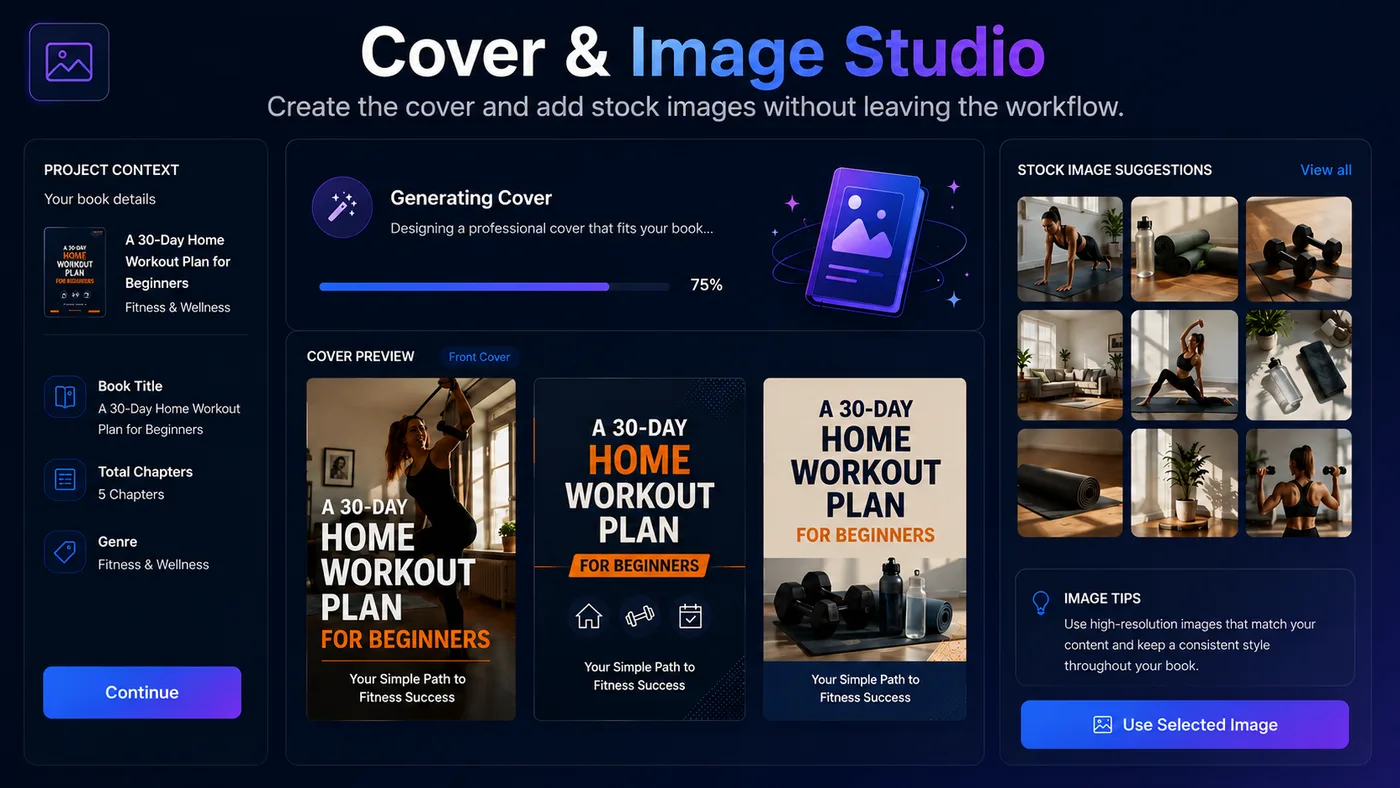
Create the cover and add stock images without leaving the workflow.
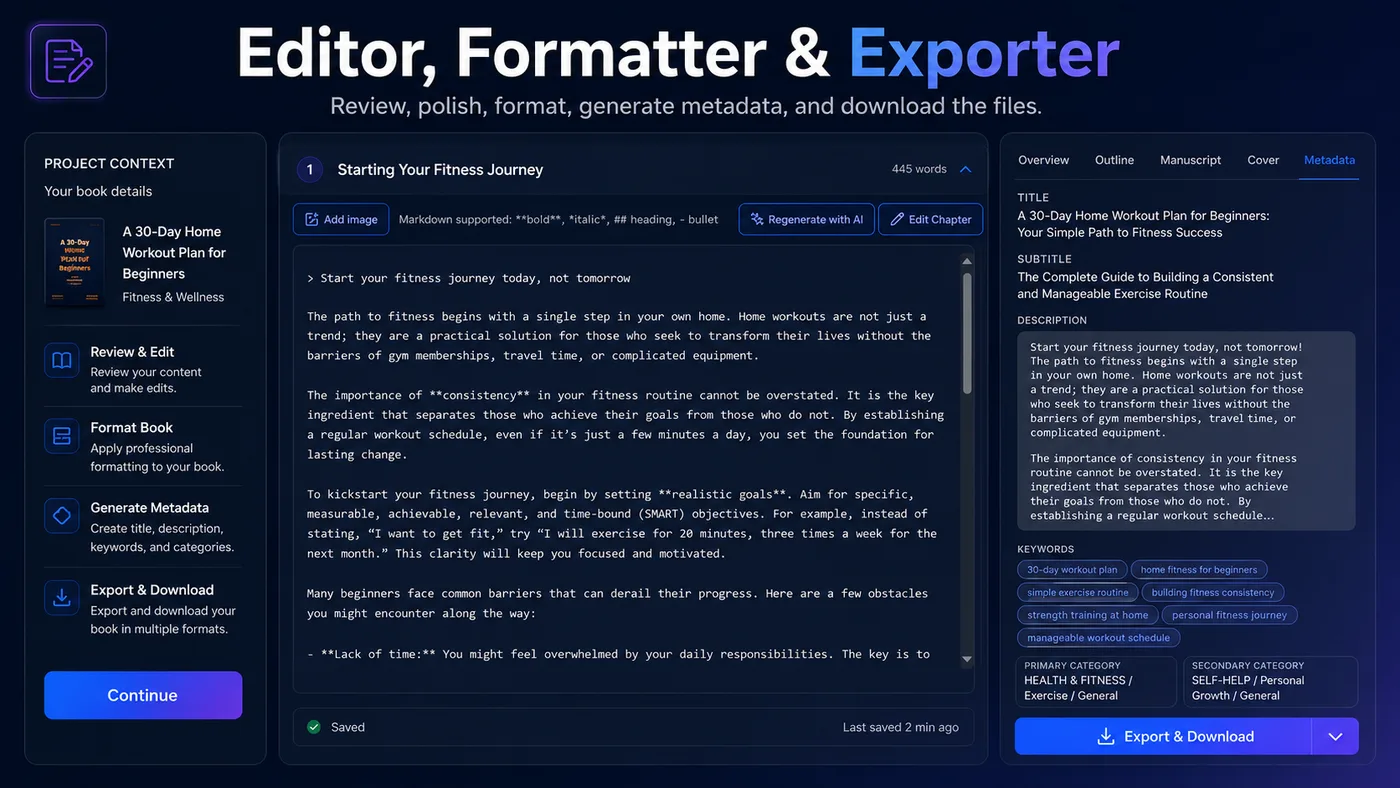
Review, polish, format, generate metadata, and download the files.
Flip through real books generated inside AI BookEngine — covers, interiors, and layout, exactly as readers see them.
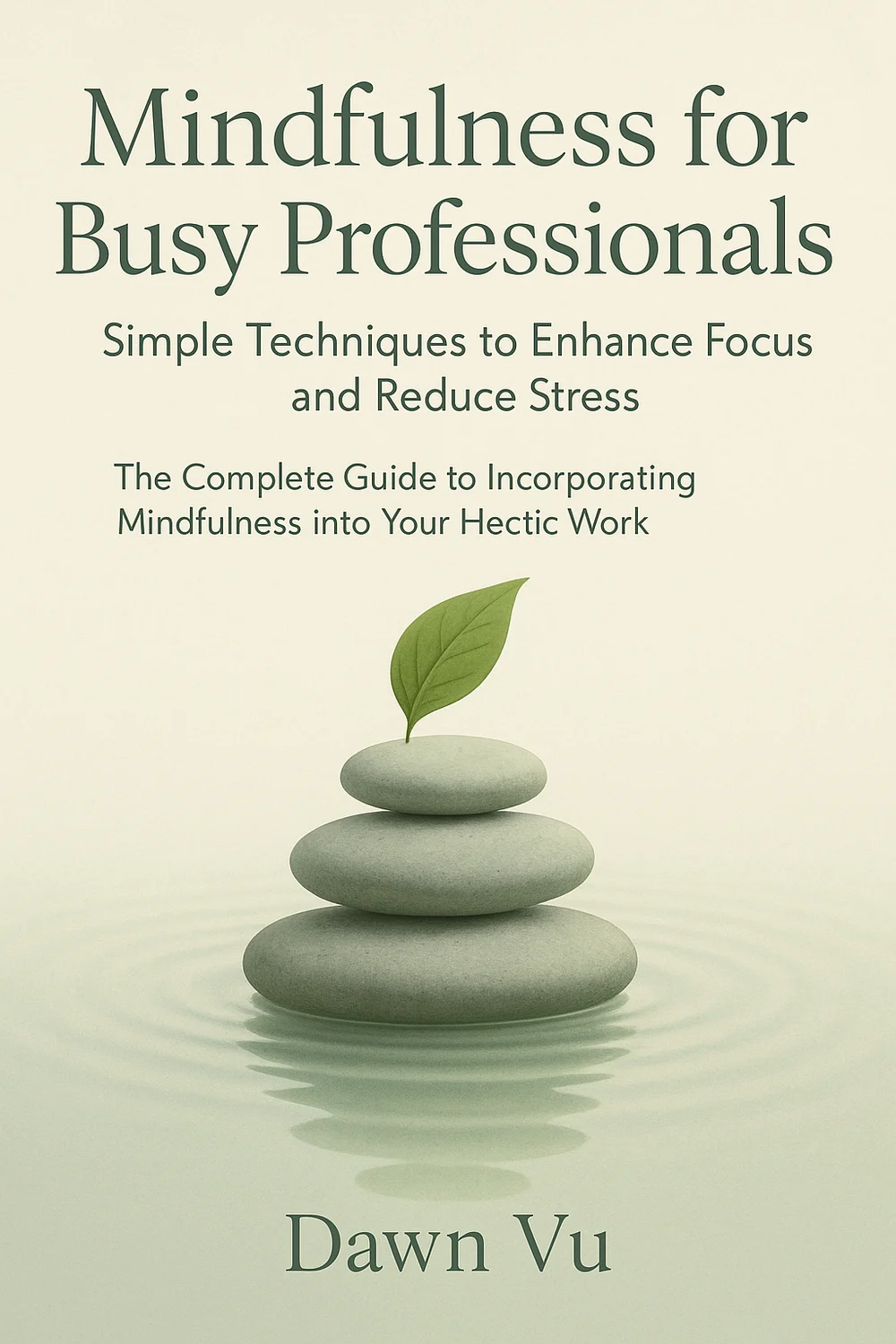
Clean Minimal Style
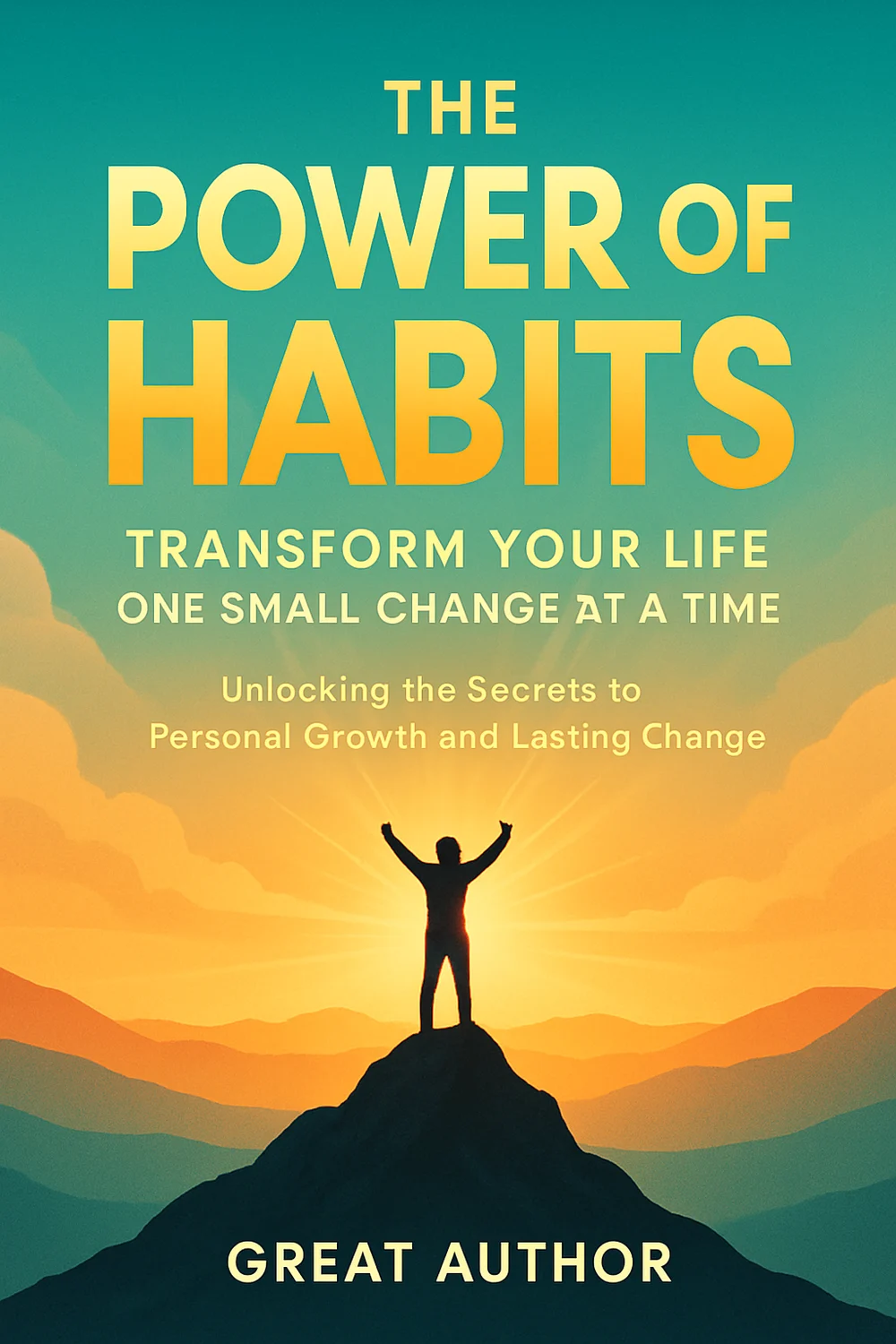
Business Blueprint Style
Here is the front-end product stack users unlock for KDP ebook creation, asset building, and faster content production.
Start with one keyword and let the system guide the KDP niche, keywords, title, outline, chapters, cover, formatting, and metadata.
Select the style that best fits the ebook you want to create before the AI team begins production.
Generate the title, outline, chapter structure, and manuscript content for each chapter.
Create the ebook cover and format the interior so the final project feels more polished and KDP-ready.
Review, edit, and refine the generated book content before downloading the final files.
Add images from integrated stock libraries and start with 50,000 credits included in the front-end offer.
This is not just a writing shortcut. It is a full ebook creation workflow that helps you create books you own, review, edit, package, and prepare for Amazon KDP, client delivery, local business campaigns, niche authority building, or your own digital storefront.
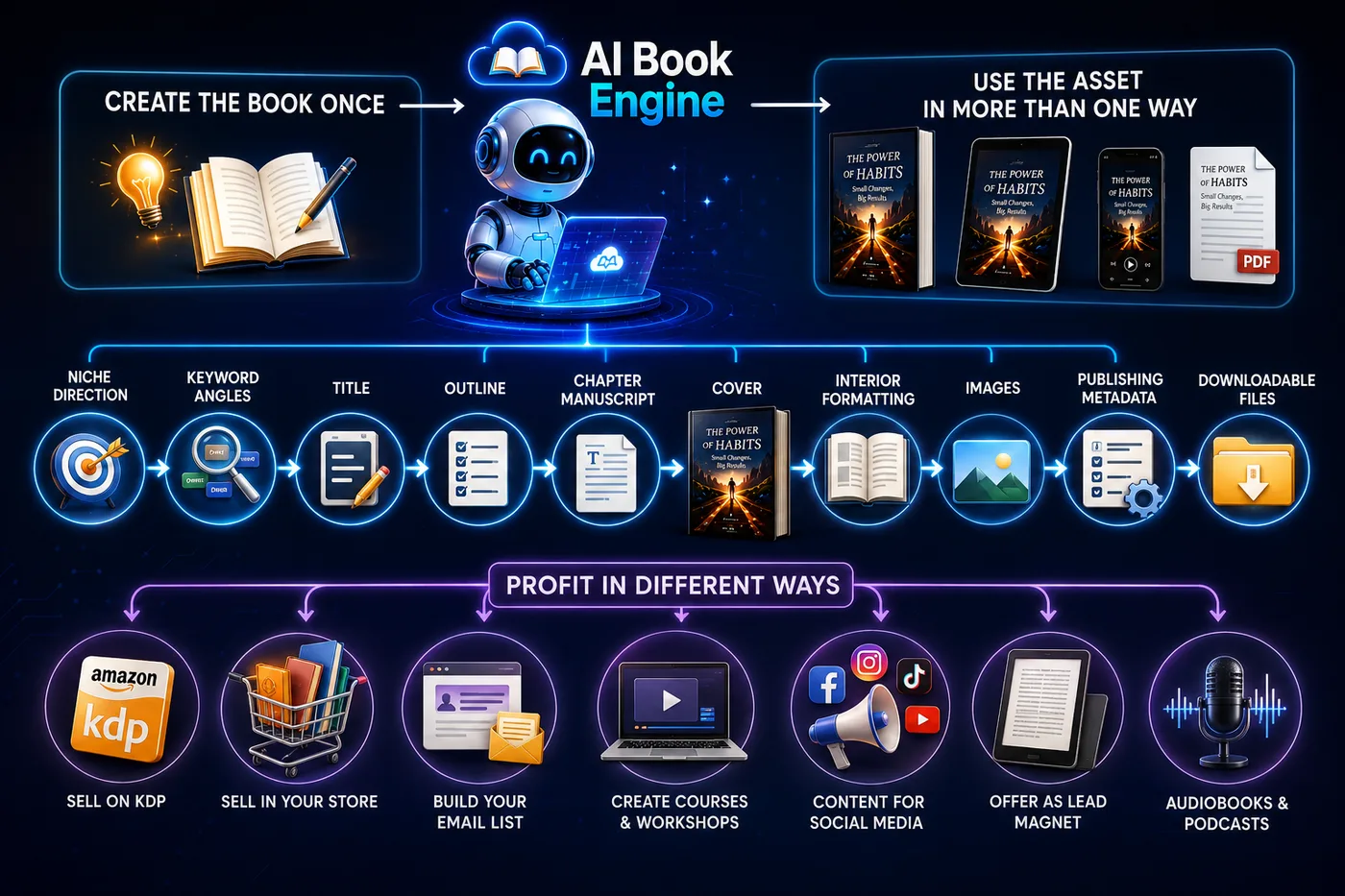
The workflow helps produce the pieces that usually slow creators down: niche direction, keyword angles, title, outline, chapter manuscript, cover, interior formatting, images, publishing metadata, and downloadable files.
That gives you a finished ebook asset you can prepare for Amazon KDP first, or adapt into other offers when a different opportunity makes more sense.
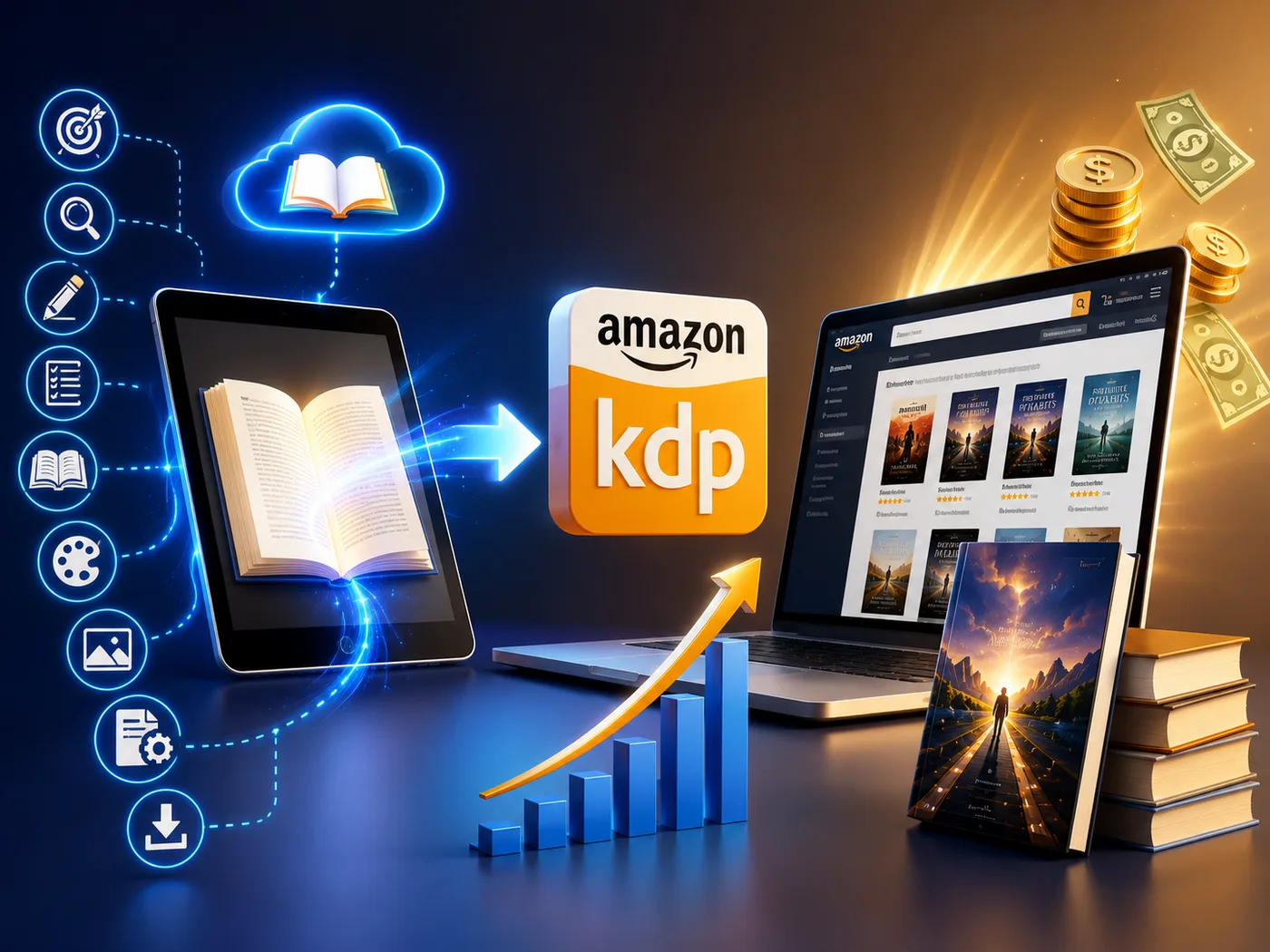
Create practical ebooks around niche keywords, prepare files and metadata, and publish through Amazon KDP with a faster production workflow.

Repeat the workflow across related keywords so one niche can become a growing catalog instead of one isolated ebook.

Use the workflow to create ebook drafts, covers, interiors, and metadata for clients who need lead magnets, authority books, or niche digital products.

Create owned ebook assets that can support your brand, teach your market, and position you as a more serious expert in the niche.

Package ebooks for local businesses that need educational guides, customer follow-up assets, lead magnets, or branded digital handouts.

Use the finished ebook files as digital products inside your own store, funnel, membership, bonus stack, or email-list offer.
AI BookEngine does the heavy lifting for you. It researches the niche, finds keyword angles, creates the title, plans the chapters, drafts the manuscript, designs the cover, formats the interior, prepares the metadata, and gives you a finished ebook asset you can review, edit, publish on KDP, sell, or reuse in your next offer.
Use this walkthrough to see the full path from keyword input to niche research, keyword angles, title, outline, manuscript, cover, interior formatting, metadata, and downloadable files.
The old stack forces you to buy, learn, and connect many tools. The guided workflow pulls the core KDP ebook creation steps into one beginner-friendly path.
AI BookEngine is built for creators, marketers, freelancers, and digital publishers who want a faster path from keyword to finished ebook asset. It is not for people who want to stay stuck in the old manual production grind.
Most AI tools stop at text. But a KDP-ready ebook needs the full asset: niche research, keyword research, title, outline, chapter manuscript, cover, interior formatting, images, description, keywords, and categories.
The workflow shifts the focus from "write me a chapter" to "help me build a complete KDP-ready ebook I can actually review, edit, and download."
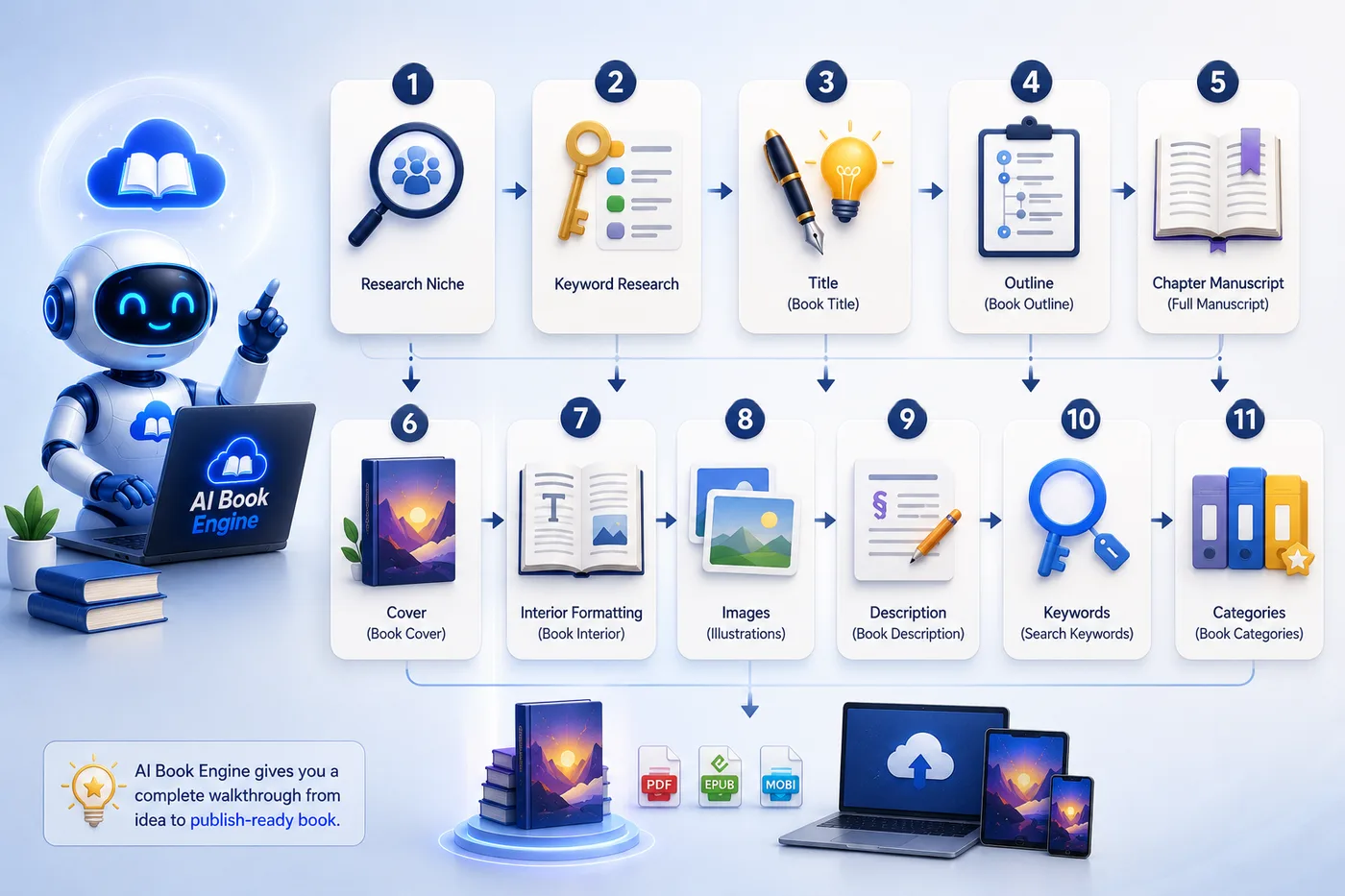
Open the dashboard, test the KDP ebook workflow, create a project, explore the niche research, generate keywords, build an outline, draft chapters, design a cover, format the interior, generate metadata, and see how it fits your goals.
Use the platform for 30 days. Create ebooks, test the workflow, download your files, and see whether it fits the way you want to build KDP assets, business content, client deliverables, or digital products.
You create ebooks, but they do not meet your requirements, and even after we try to help, the workflow is not right for you. In that case, request your refund within 30 days, get 100% of your money back, and keep the ebooks, files, and downloads you already created. Use them, edit them, repurpose them, or build on them in any way you want.
You create ebooks you actually like, publish them on KDP, use them in your business, sell them in your own store, or turn them into client assets. If they help you get sales, save time, win clients, or make a real impact, tell us too. We would love to celebrate that win with you.
No hidden puzzle. No tool-stacking. Your one-time access includes the full keyword-to-ebook workflow below.
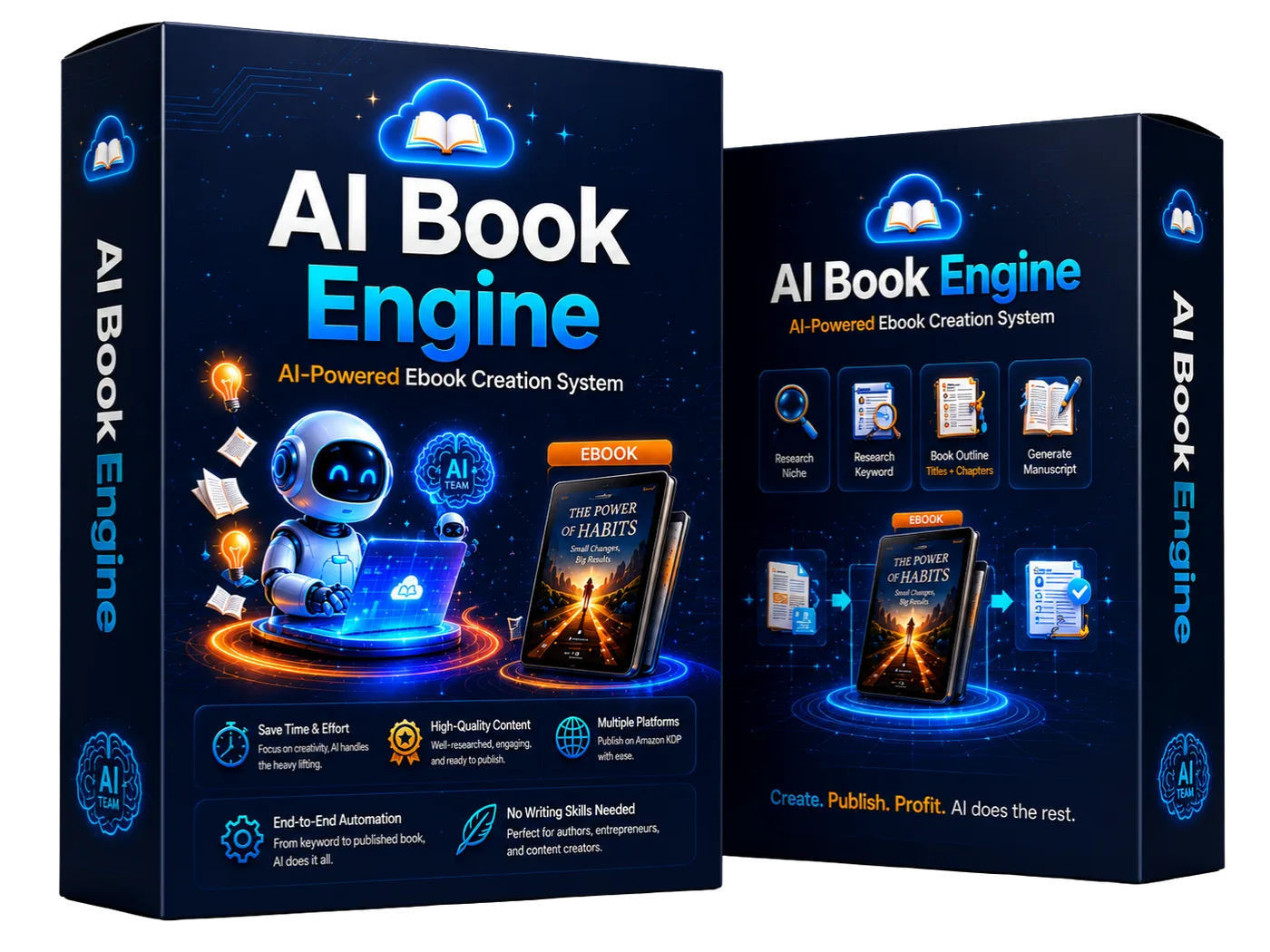
| Item | Included Today | What It Helps You Do | Value |
|---|---|---|---|
| [01] | AI BookEngine Dashboard | Central dashboard for the full keyword-to-ebook workflow. | $197 |
| [02] | Ebook Type Selection | Choose the kind of ebook project before the workflow starts. | $97 |
| [03] | Keyword-Based KDP Workflow | Start with one keyword and build the full project around it. | $197 |
| [04] | 2 Book Styles | Pick from two styles to shape the final book direction. | $67 |
| [05] | AI KDP Niche & Keyword Research | Find niche direction and keyword angles before writing begins. | $297 |
| [06] | Title, Outline & Chapter Structure | Build the book title, outline, and chapter flow. | $197 |
| [07] | Chapter Manuscript Creation | Draft chapter content from the selected direction. | $497 |
| [08] | AI Cover Design | Create a cover concept without hiring a designer. | $197 |
| [09] | Interior Formatting | Format the interior so the book feels more publish-ready. | $197 |
| [10] | KDP Metadata Generator | Generate title, description, keywords, and categories. | $147 |
| [11] | Built-In Editor + Stock Images | Review, edit, and add stock images. | $197 |
| [12] | 50,000 Credits + Downloads | Credits and downloadable files included in the front-end offer. | $297 |
| [13] | Full Access Deal | Lock in the workflow without monthly software fees. | $297 |
| [14] | 30-Day Money-Back Guarantee | Try the workflow with a clear refund window. | $27 |
| [15] | KDP-Ready File Downloads | Download publish-ready files plus supporting metadata. | $147 |
You will still need to research niches manually. You will still need to find keyword angles, outline the book, write every chapter, design the cover, format the interior, write metadata, source images, and prepare the files yourself.
And if you wait until "later," later usually becomes another folder full of notes, another half-written draft, and another KDP asset you meant to finish but never did.

If you want a simpler way to build KDP-ready ebook assets, this is the moment to lock in the full workflow for a tiny one-time price.

You can lock in the front-end workflow for one small early-bird payment.

Research, writing, cover, formatting, and metadata steps are brought into one path.

The faster you finish quality assets, the faster you can build a useful catalog.

The workflow helps turn a raw idea into a complete publish-ready asset.

You have a 30-day money-back guarantee if the workflow is not right for you.

Leaving now means returning to the same slow manual KDP production process.

If this were hundreds per month, hesitation would make sense. If it required complicated installation, hesitation would make sense. If there were no guarantee, hesitation would make sense.
But today you can get the core KDP ebook creation workflow, 50,000 credits, built-in stock images, and a 30-day guarantee for one small early-bird payment.
The hard part of KDP ebook creation is not dreaming up topics. It is turning those topics into finished assets. This workflow is built to help you finish.
Stop patching together research tools, writing prompts, cover tools, stock image sites, formatters, editors, and metadata checklists. Put the workflow in one place and let your next ebook start with one keyword.
Give the system one keyword and let it help you build the research, outline, chapters, cover, interior, images, metadata, and files for your next KDP-style ebook project.
AI BookEngine is an all-in-one AI KDP ebook creation software that helps users choose an ebook type, enter a keyword, select a book style, research the niche, generate keywords, create the title, outline, chapters, manuscript, cover, interior formatting, and publishing metadata.
No. The workflow is designed for beginners. You choose the ebook type, enter a keyword, select a book style, review the outputs, and download the finished files.
You choose the type of ebook you want to create, enter a keyword, and select from two book styles. AI BookEngine then uses those inputs to guide the creation process.
The metadata includes the title, book description, keywords, and categories so users can download the ebook files with the supporting KDP publishing details.
Correct. This version is positioned as a one-time early-bird deal with no recurring monthly software cost.
Yes. AI BookEngine includes a built-in editor so you can review and edit book content before downloading publish-ready files.
Yes. AI BookEngine includes a built-in stock image library so users can add images into their ebooks during the creation workflow.
The front-end offer includes 50,000 credits. Here are the estimated number of ebooks you can create with 50,000 credits: 5-page ebooks: max 220 ebooks with no cover, or 50 ebooks with cover. 10-page ebooks: max 160 ebooks with no cover, or 45 ebooks with cover. You can buy more credits inside the app.
You are protected by the 30-day money-back guarantee. Try it, test the workflow, and request a refund if it is not right for you. Check out our Refund Policy Here.